
By default, access to your databases is only enabled for localhost. Sometimes, however, it’s necessary to connect to a database on our servers from another remote server/computer. This is managed via cPanel, where you may grant access from the IP address from which you wish to connect.
- First, log on to cPanel.
- Then, click the icon
Remote MySQL.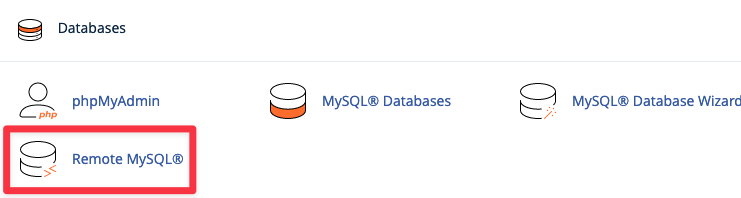
- Under
Add Access Host, enter the IP address from where you wish to connect. You can check your IP address by visiting ipnummer.org from the server/computer you wish to connect from. Enter the IP address underHost. You may add a comment if you’d like, but its optional.
- Finally, click
Add Hostwhen you’re ready.